Structured master data
Organisations contain teams, locations contain fields, and referees carry their own availability - everything connects.
Enter master data once, reuse it every event: organisations, teams and people flow into each tournament you run.
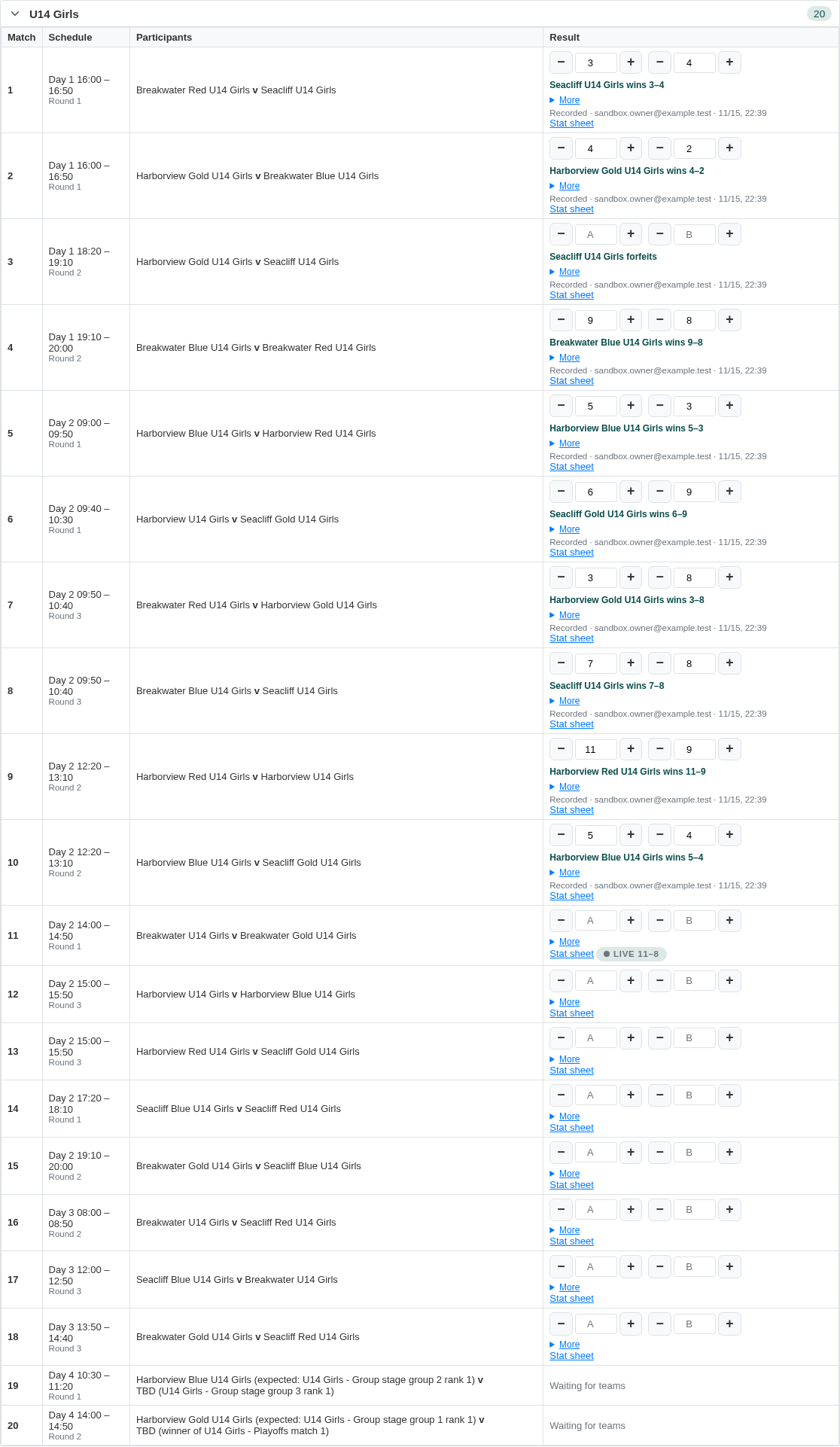
Organisations contain teams, locations contain fields, and referees carry their own availability - everything connects.
Categories, formats, participants, rules, venues and staffing - a step-by-step setup that validates before you generate.
Drag matches across the live grid or create extra games by hand - eligibility and conflicts update as you move.
Every schedule version is kept - compare, roll back, publish and unpublish without losing work.
One screen holds entries, venues, staffing and the live schedule - every stakeholder sees the same truth.
Referees and duty slots attach to matches; availability limits and fair rotation are built in.
Confirm arrivals on the day, print schedules and result sheets, and push announcements to spectators.
Late changes publish as tracked amendments - everyone holding the link sees the current version instantly.
Schedules, result sheets and check-in lists export to Excel-compatible CSV and print-ready pages.
Tournament work starts long before the first whistle: collecting entries, confirming teams, sorting them into categories that match the formats you plan to run. Registration links let clubs submit their own teams - names, contacts, category - and every submission lands in your tournament for review rather than in an inbox folder you transcribe by hand. Accept an entry and the team flows straight into the participant list that drives formats and scheduling; decline or waitlist it and the club sees a clear answer instead of silence. Because organisations and teams are master data you maintain once, a returning club's roster is already there - entry becomes confirmation, not re-typing, and a coach shared across two teams is already known to the scheduler as one person who cannot be in two places. Late additions slot into categories until generation, and the entry count you schedule against is always the real one, not last Tuesday's spreadsheet export that quietly missed three confirmations and a withdrawal - a gap that only surfaces when the generated fixtures name teams that never entered.
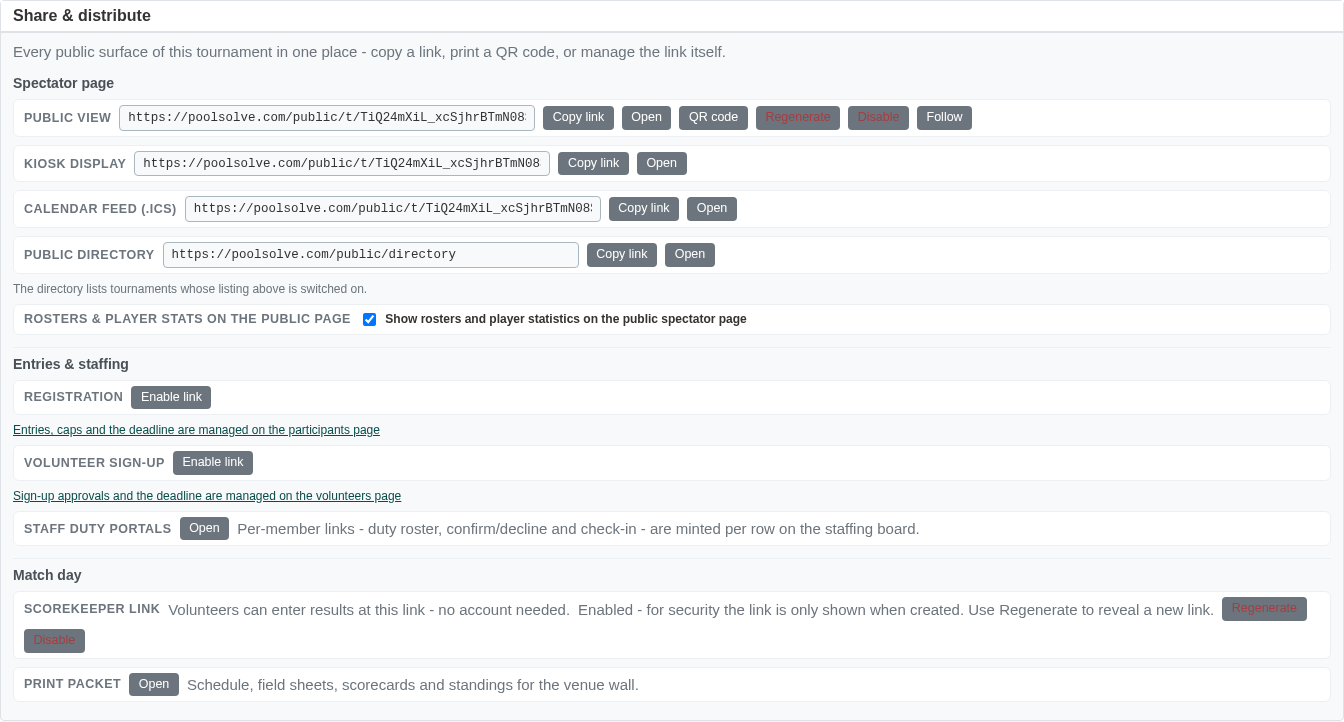
A tournament runs on people who are not playing: referees on the fields, volunteers at the check-in desk, someone printing result sheets and answering the same three questions all morning. The workspace treats staffing as part of the schedule rather than a parallel spreadsheet - referees and duty slots attach to specific matches, each person's availability limits what they can cover, and fair rotation spreads assignments so the same official does not draw every early game while others watch. Coverage is visible at a glance: matches without an official stand out immediately instead of surfacing when two teams are already waiting at an empty court. Duties stay connected to the schedule as it changes too - move a match and its staffing needs move with it, so the people assigned are never left covering a slot that no longer exists. When someone drops out on the morning of the event, reassigning a duty slot moves the responsibility itself, not just a name in a chat thread - and the published board reflects who is actually on each match, so nobody walks to the wrong field.
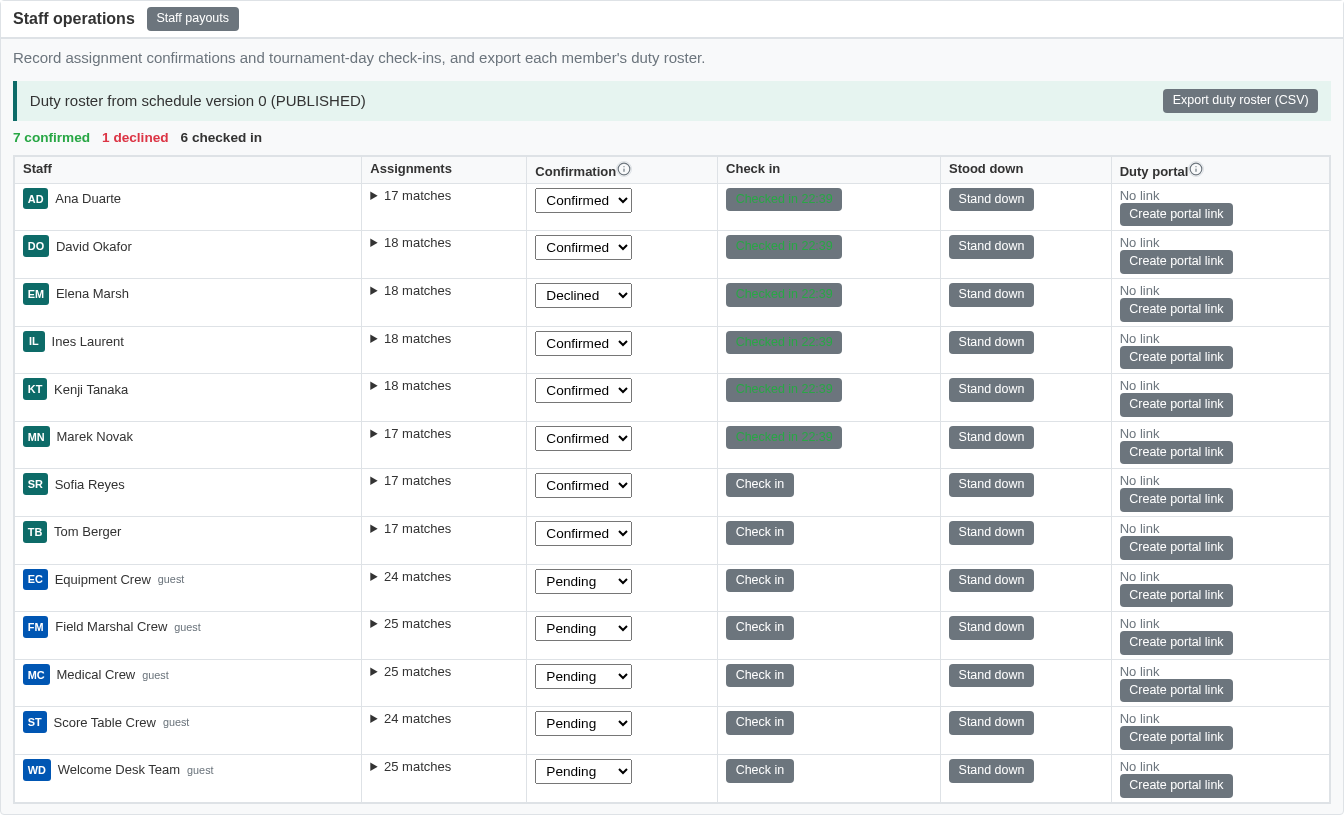
Match day is a sequence of small operational moments the workspace is built around. Check-in confirms arrivals as teams walk through the door, so a no-show is known before their first game is due - not after two courts have sat idle for twenty minutes while a missing squad is paged. The desk prints schedules and result sheets for the people who still want paper, and announcements reach spectators through the public page rather than a shouted correction over a PA nobody understands anyway. Then the inevitable happens: a team withdraws, a match overruns, a field closes for an hour. Every change goes through the amendment workflow - edits are tracked and published as a new version, so everyone holding the live link sees the current state instantly, and staff comparing notes at the desk know exactly which version they are looking at. Earlier versions stay available for comparison and rollback, so a change made in haste can be reviewed calmly later. Nothing depends on who happened to hear the update first.
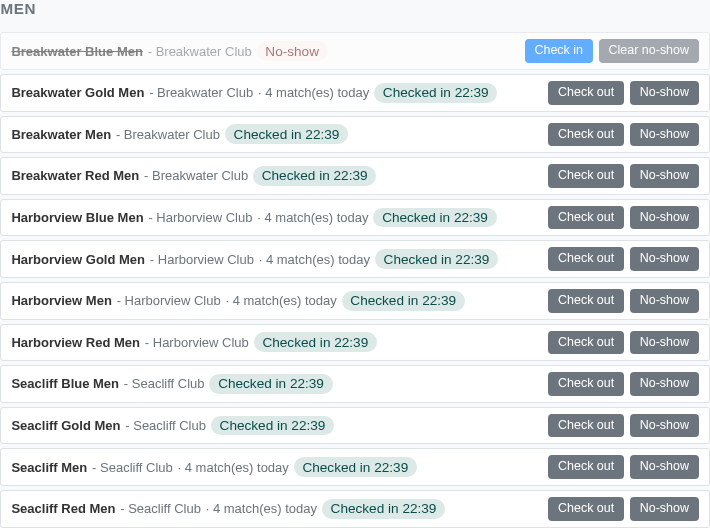
A CP-SAT constraint solver assigns slots to every match - field capacity, referee availability, rest windows and coach overlaps handled.
Round robin, group stage into knockout, placement and medal matches - combine stages into the format your sport needs.
Repeated round robin across up to 30 matchdays - paint one day, copy it onto the rest, and let the solver place every fixture.
Publish a read-only schedule spectators can follow live, and collect entries through open registration links.
Run LAN events, ladders and online brackets with the same solver - stations instead of fields, casters instead of referees.